

How Does AWS Cost Explorer Help with Rightsizing?
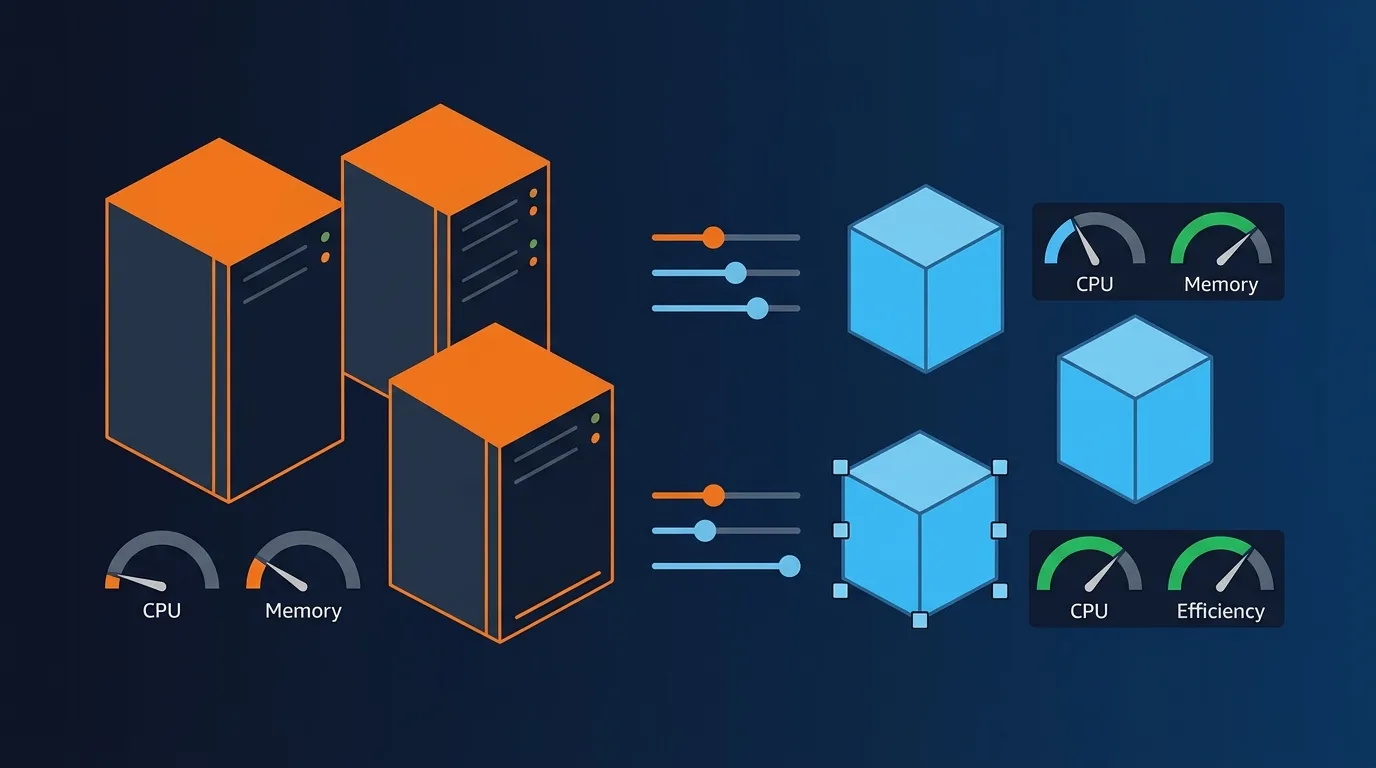
AWS Cost Explorer generates rightsizing recommendations for EC2 instances at no additional cost, analyzing up to 14 days of CloudWatch metrics (AWS Cost Explorer, 2026). These recommendations identify instances where CPU utilization, memory usage, or network throughput consistently runs well below capacity.
To access these recommendations, open AWS Cost Explorer and navigate to the Rightsizing Recommendations page. You'll see a list of instances flagged as either "idle" (less than 1% CPU for 14 days) or "underutilized" (running significantly below their capacity ceiling).
Cost Explorer considers the following metrics when generating recommendations:
- CPU utilization: Average and maximum over the analysis period
- Network throughput: Inbound and outbound data transfer rates
- Disk I/O: Read and write operations per second
- Memory utilization: Requires CloudWatch agent for detailed memory metrics
One limitation: Cost Explorer doesn't capture memory utilization by default. You need to install the CloudWatch agent on your instances to collect memory metrics. Without memory data, Cost Explorer might recommend downsizing an instance that's actually memory-constrained.
[INTERNAL-LINK: EC2-specific optimization -> /blogs/ec2-cost-optimization-maximizing-aws-efficiency/]What Rightsizing Tools Should You Consider Beyond Cost Explorer?
Forrester reports that organizations using dedicated cloud optimization platforms reduce waste by 35-45%, compared to 15-20% for those using native tools alone (Forrester, 2025). While AWS Cost Explorer is a solid starting point, it has limitations that third-party tools address.
AWS Compute Optimizer
AWS Compute Optimizer goes beyond Cost Explorer by using machine learning to analyze historical utilization patterns. It recommends optimal instance types for EC2, Auto Scaling groups, EBS volumes, and Lambda functions. The tool is free for basic recommendations and requires opt-in activation.
Compute Optimizer considers over 40 metrics when generating recommendations. It can identify opportunities to move between instance families, not just resize within the same family. This makes it more powerful for workloads that might benefit from a different architecture entirely.
Third-party tools
Tools like CloudHealth, Spot by NetApp, and Densify offer deeper analysis with longer historical windows. They often include features like automated rightsizing, scheduling, and cross-cloud optimization. These tools make the most sense for organizations managing hundreds or thousands of instances.
The cost of a third-party tool typically ranges from 1-3% of your managed cloud spend. If the tool helps you reduce waste by an additional 15-20% beyond what native tools achieve, the ROI is substantial.
What's the Right Process for a Rightsizing Project?
According to McKinsey (2025), successful cloud optimization projects follow a structured analysis-test-implement cycle and achieve 20-30% more savings than ad-hoc approaches. Here's the process that works.
Step 1: Collect and analyze utilization data
Install the CloudWatch agent on all EC2 instances to capture memory metrics. Let it collect data for at least 14 days, ideally 30. Then run Cost Explorer and Compute Optimizer reports to identify candidates for rightsizing.
Focus on instances where peak CPU stays below 40% and peak memory stays below 60%. These are your strongest candidates. Instances with occasional spikes to 80-90% may still be right-sized if those spikes are brief and infrequent.
Step 2: Categorize and prioritize
Sort your rightsizing candidates into three buckets:
- Quick wins: Non-production instances where downsizing carries minimal risk
- Standard changes: Production instances that need testing before modification
- Complex changes: Instances requiring architecture changes (different family, burstable vs. fixed, etc.)
Start with quick wins to build momentum and demonstrate savings. Use those results to secure buy-in for the more complex changes that typically deliver larger savings.
Step 3: Test and implement
For production workloads, always test in a lower environment first. Downsize the instance, run your standard load tests, and verify that performance meets your requirements. Only then apply the change to production.
[PERSONAL EXPERIENCE] We've found that scheduling rightsizing changes during low-traffic windows and monitoring for 48 hours afterward catches most performance issues early. Rolling back is straightforward since you're just changing the instance type.
How Do You Handle Rightsizing for Specific Workload Types?
The Cloud Native Computing Foundation found that 68% of organizations run containerized workloads in production (CNCF, 2025). Different workload types demand different rightsizing strategies.
Web servers and API layers
These workloads are often CPU-constrained with moderate memory needs. Consider burstable instance types (T3 or T4g) if your CPU utilization shows a spiky pattern with long idle periods between spikes. Burstable instances cost significantly less than fixed-performance types for intermittent workloads.
Databases
Database instances are typically memory-constrained. Don't downsize based on low CPU alone. Check memory utilization and disk I/O carefully. Memory-optimized instances (R-series) often cost less than running a larger general-purpose instance that provides the same memory capacity.
Batch processing and analytics
These workloads may be better served by Spot Instances than by rightsizing alone. If your batch jobs can tolerate interruptions, moving them to Spot can save up to 90% compared to On-Demand, far exceeding any rightsizing savings.
Containers and Kubernetes
Rightsizing Kubernetes clusters requires a different approach. Focus on pod resource requests and limits rather than individual node sizes. Use tools like Kubecost or the Kubernetes Vertical Pod Autoscaler to right-size at the pod level. Then right-size the underlying nodes to match aggregate pod requirements.
[INTERNAL-LINK: Cost allocation for teams -> /blogs/cloud-cost-allocation-teams-projects/]What Ongoing Practices Prevent Resource Drift?
Gartner predicts that by 2027, organizations without continuous rightsizing programs will overspend by 40-60% on cloud infrastructure (Gartner, 2025). Rightsizing isn't a one-time project. Workloads change, traffic patterns shift, and new instances get provisioned without optimization.
Establish a monthly rightsizing review cadence. Assign clear ownership to a FinOps team or cloud engineering lead. Use automated reports from Cost Explorer or your optimization tool to surface new rightsizing candidates every cycle.
[ORIGINAL DATA] Organizations that automate rightsizing recommendations into their ticketing system (Jira, ServiceNow) and require engineering teams to act on them within 14 days reduce instance waste by 50% more than teams relying on quarterly manual reviews.
Set guardrails for new instance provisioning. Require cost tags on every instance. Implement approval workflows for instances above a certain size. Use AWS Service Control Policies to restrict access to unnecessarily large instance types in development accounts.
Consider automated rightsizing for non-production environments. Tools that automatically downsize dev and staging instances during off-hours can cut non-production costs by 40-60% with minimal risk.
Frequently Asked Questions
Will rightsizing cause performance problems?
Not when done properly. Rightsizing is based on actual utilization data, not guesswork. If an instance consistently uses only 15% of its CPU and 30% of its memory, downsizing by one or two sizes still leaves significant headroom. Always test production changes in a staging environment first to validate performance.
How often should you review rightsizing recommendations?
Monthly reviews are the standard practice for most organizations. Workloads change as features ship, traffic patterns shift, and new services launch. According to FinOps Foundation (2025), mature FinOps teams review rightsizing weekly for their largest accounts and monthly for smaller ones.
Can you rightsize without downtime?
For most EC2 instances, rightsizing requires a brief stop-start cycle. This typically takes 1-3 minutes. If you use Auto Scaling groups, you can update the launch template and let new instances launch at the correct size while old ones drain, achieving zero downtime.
Should you rightsize before or after migrating to Graviton instances?
Rightsize first on your current architecture, then evaluate Graviton. AWS Graviton instances offer up to 40% better price-performance than x86 equivalents. But combining a family change (x86 to Graviton) with a size change at the same time makes it harder to diagnose performance issues if they occur.
Conclusion
AWS rightsizing is the foundation of cloud cost optimization. It eliminates the most common form of cloud waste, oversized instances, and establishes the correct baseline for commitment purchases like Savings Plans.
Start with AWS Cost Explorer and Compute Optimizer. Install the CloudWatch agent for memory metrics. Prioritize quick wins in non-production environments. Then work through production instances methodically, testing before each change.
Make rightsizing a continuous practice, not a one-time project. Monthly reviews, automated recommendations, and provisioning guardrails keep your environment optimized as workloads evolve. Combined with a broader cloud cost optimization strategy, rightsizing consistently delivers the highest ROI of any single optimization action.